How do I handle system messages?
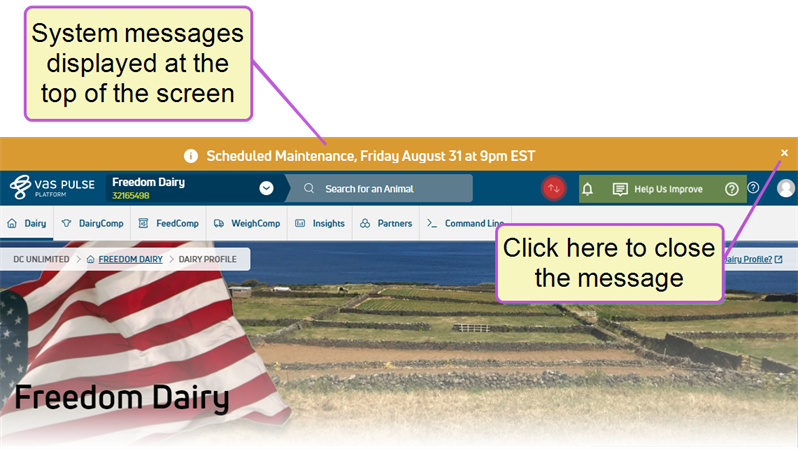
The VAS PULSE Platform team is able to post an alert when there is a system outage or upcoming downtime for system maintenance. These system messages are displayed at the top of the PULSE Platform screen, and you can click the X to the far right to close the message once you've read it. It will be displayed again if you refresh your browser window or log out and back in to the PULSE Platform.