Log in to GENEX DairySuite
 Permissions Required to Use this Feature
To access and use GENEX's DairySuite, you must first be added by your administrator or manager and assigned to specific dairies. See GENEX DairySuite User Management to learn more about user access.
 on the dairy's profile page to request access to the genetic planning tool. That option sends a message to the dairy's owner and may cause confusion.
GENEX's DairySuite is available to genetic consultants in the VAS PULSE Platform at https://platform.vas.com/login.
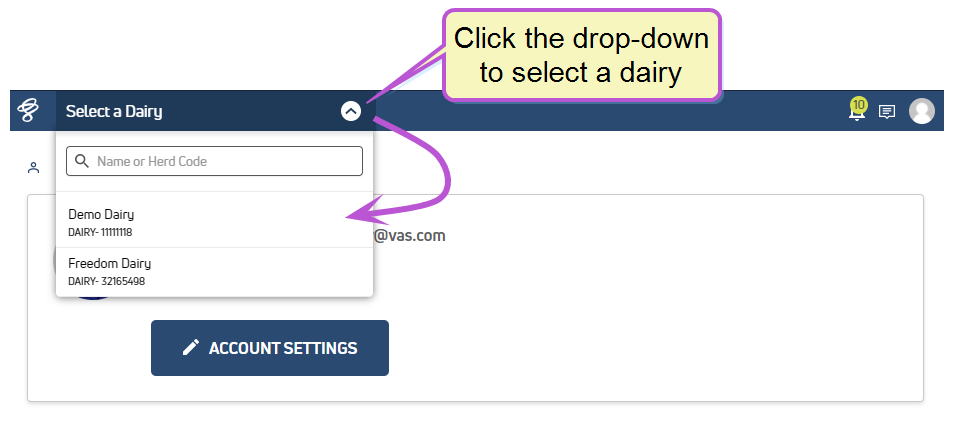
After you log in, select the dairy for which you would like to build or view a genetic plan:
Proceed to Navigating GENEX DairySuite to learn about accessing the tool in the PULSE Platform.
Last Built: February 04, 2022